Super Modular World Tools
A downloadable Tool
Super Modular World Tools (SMWT) for Godot 4
SMWT is a comprehensive toolset designed for developers seeking a fast, organized, and high-performance workflow. It is ideal for Retro, Low-Poly, or 16-bit era aesthetics.
This suite eliminates the repetitive grind of importing and configuring assets, allowing you to focus on what truly matters: designing your world.
🚀 The Three Pillars of SMWT
1. Module Realizer: Your Asset Gatekeeper
Stop manually configuring every mesh after exporting from Blender.
- Automatic Standardization: Instantly centers all your meshes to
(0, 0, 0). - Master Material: Apply a single material (Shader or Standard) to all modules in a palette with one click.
- Smart Collisions: Generates automatic
Trimeshcollisions that persist in your scene. - Selection Lock: Prevents accidentally moving children while you design.
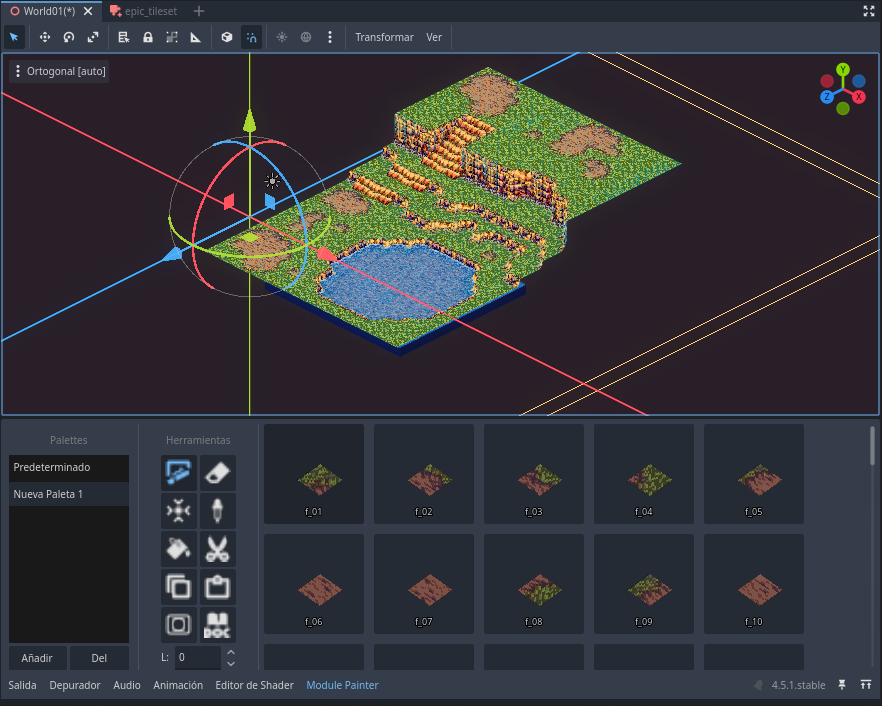
2. Module Painter: Pro Level Design
A dedicated bottom panel that turns Godot into a modular canvas.
- Palette Management: Create and save custom asset collections.
- Drag & Drop: Drag your scenes directly into the panel to create new brushes.
- 3D Preview: Real-time thumbnails to visually identify every piece.
- Painting Tools: Brush, Eraser, Eyedropper, and quick rotation using
WASDkeys.
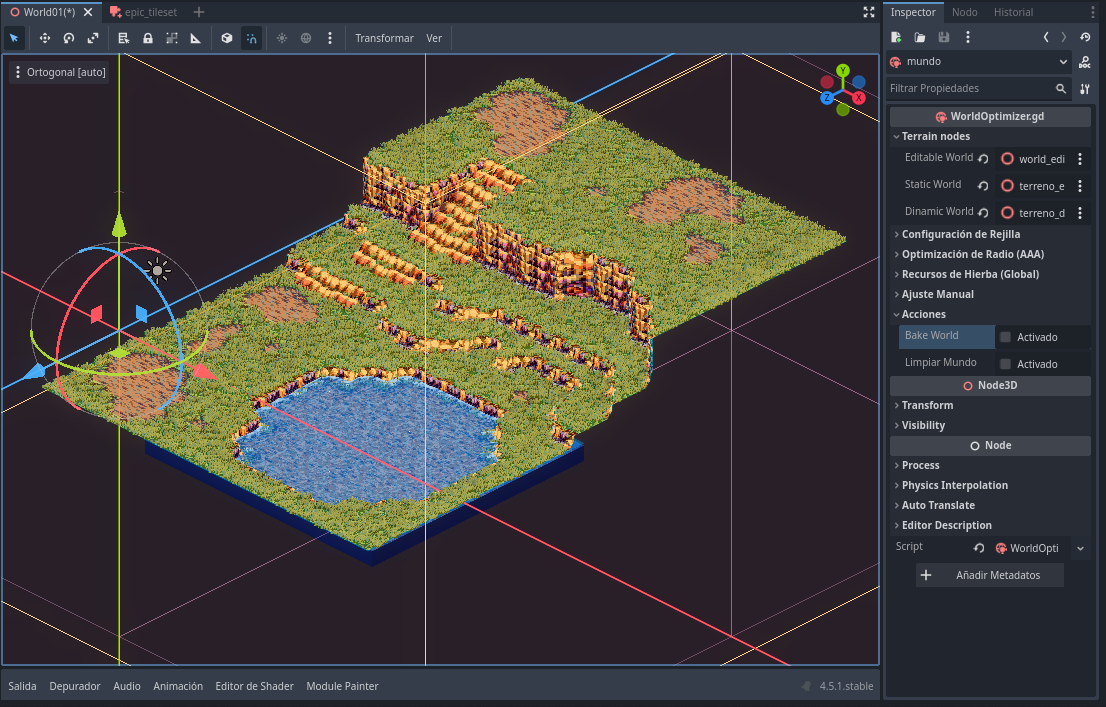
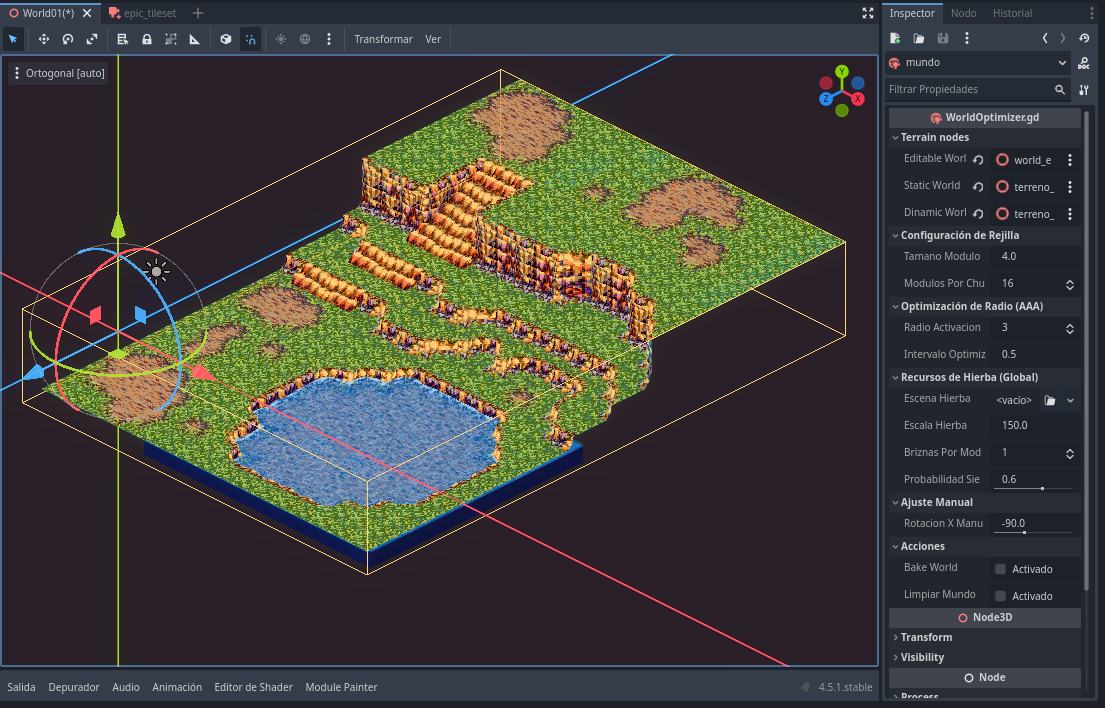
3. World Optimizer: AAA Performance
Make your massive levels run smoothly on any hardware.
- Radius Culling: Automatically hides objects outside the player's view.
- Modular Optimization: Specifically designed to work with pieces created by the Painter.
🛠️ Quick Installation
- Download and extract the
addons/Super Modular World Toolsfolder into your project. - Go to Project Settings > Plugins and enable "Super Modular World Tools".
- Done! You will find the new nodes under the
Node3Dbranch.
📚 Usage
- Create a ModuleRealizer resource: Drop your meshes in, configure them, and save.
- Setup WorldOptimizer: Add a WorldOptimizer node to your world scene and provide the 3 necessary
Node3Dreferences to function. - Initialize ModulePainter: Add a ModulePainter node, create a new palette in the panel, and drag your
ModuleRealizerresource to use it as a palette. - Configure Grid: Set up the grid and the "target node" where it will draw (this should be the editable node from your
WorldOptimizer). - Paint & Bake: Paint your world and, once finished, use the Bake function on the
WorldOptimizernode to optimize your world.
💖 Extras
- Project Template: Includes a default palette, water and grass shaders, and an example world scene.
- Grass System: To use the grass, provide a B&W mask (Black = Grass, White = None). For custom meshes, ensure vertices are painted black (bottom) and white (top) for proper animation.
- Living Scene: Change your foliage easily by updating the "Living Scene" (Escena Viva) path in the metadata.
🎮 Created for Development
This tool was born out of real necessity during the development of my own game, Hole, seeking the perfect balance between visual nostalgia and modern engine efficiency. My goal is to raise funds to support the future development of my project.
Thank you for your interest in my tools!
Discord: mrd369
Purchase
In order to download this Tool you must purchase it at or above the minimum price of $9 USD. You will get access to the following files:
Leave a comment
Log in with itch.io to leave a comment.